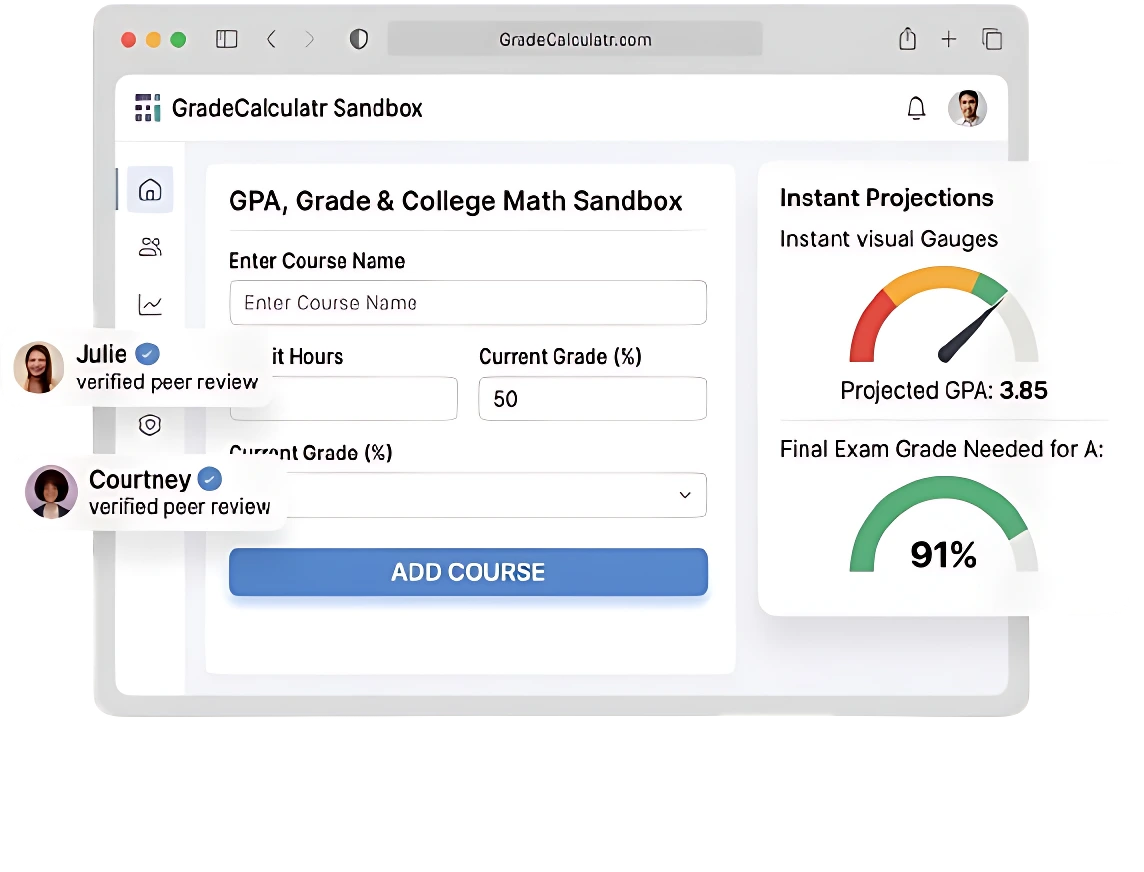
Grade Calculator | Free Online Tool to Calculate Your Academic Grades
Grade Calculator
Calculate your overall grade or find the grade you need to reach your target.
| Assignment (Optional) | Percentage (%) | Weight (out of 100) | |
|---|---|---|---|
To find a course grade based on weighted averages via this calculator. The grade calculator is a powerful tool that allows students to accurately analyse their academic performance and calculate their final grade based on the provided data. Calculators are designed to calculate your final grade or estimated grade. Calculators are available for all scenarios.
They allow you to easily see how your quizzes and tests will affect your final grade. You can enter your scores into online calculators for grading and adjust the weightings. This will tell you how you are currently grading. You can determine your target grade from your current grade. The user can save time by using this calculator. Use the calculators for high school, college, and school grades instead of complicated formulas.
What is the Grade Calculator?
This is an educational online tool that estimates students’ grades based on the marks earned on tests, exams, and assignments. Different calculators are available to help calculate grades. These include

Teachers and students can find a course grade using a calculator or a gradebook calculator without needing to use complex formulas. The latest module includes the free grading calculator. These tools help you to find real-time information after entering the grades of your assignments.
How to Use a Grading Calculator?
Using the Grade Calculator is a simple process that requires entering basic information about your academic performance. To use this online grade calculator, enter the score for each assignment, quiz, test, or exam along with its weight or percentage contribution toward your final grade.This calculator has two calculation options. You can calculate your results using percentage scores or by entering grade values, allowing you to determine both percentage-based results and grade-based outcomes separately.
For every additional assignment, test, or exam, click the “Plus (+) button” to add a new entry. As you continue entering each component, the grade calculator automatically updates the results, helping you track your current grade and overall course performance throughout the semester.For specific components such as tests or assignments, you can also use the Test Grade Calculator to calculate individual scores and convert them into percentages, making it easier to understand how each score contributes to your final course grade.
Follow these steps to get accurate results:
Stage 1: Add Your Assignments
Enter the name of each assignment, quiz, test, or exam, such as Assignment 1, Homework, Quiz, Project, or Final Exam. This optional step helps you organize and track your percentage scores more clearly.
Stage 2: Add Your Percentage
Enter the percentage score for each assignment, quiz, test, project, or exam. Simply add the earned percentage (for example: 20%, 45%, 70%, etc.) so the calculator can accurately track and update your overall results.
Stage 3: Add Your Weight
Add the assignment’s weight to your overall course grade. The weight shows how much each assignment affects your final grade, with larger assessments like a final exam carrying more importance than smaller tasks.
Stage 4: Add Your Grade
Click on the grade section and select a letter grade (A+, B-, C, D, E+, etc.). Then enter the assignment details and set its weight.
Stage 5: Automatically Calculate Your Grade
The tool automatically figures out your total grade using the grades and weights you entered. You can see your current overall grade and understand how each assignment affects it.
Benefits of Using a Grade Calculator
There are many advantages to using this tool. These are
Scenario Planning
With this calculator, students can experiment with hypothetical scores for upcoming assignments to see how they will impact their overall grade. This helps in planning study time and effort effectively.
Goal Setting
Students can set a target grade and determine exactly what scores are needed on future assignments or exams. Tools like a grade-needed calculator make this straightforward.
Track Progress
A current grading calculator lets students monitor their academic performance throughout the semester. By reviewing weekly, students can adjust strategies before it’s too late.
Save Time and Reduce Errors
Using an easy grade calculator eliminates manual calculations and reduces the risk of mistakes in complex formulas.
Tips to Improve Your Grades
Here are many practical strategies to increase your academic performance:
Turn in all assignments
Submitting every assignment is the foundation of a good grade. Missed work drastically lowers averages.
Ask Teacher What to Improve
Teachers can provide guidance on areas of weakness, offering insights to help improve grades.
Get Help When Confused
Tutoring, online resources, and study groups are effective ways to clarify difficult topics.
Review Briefly but Consistently
Short, daily study sessions help reinforce learning better than cramming before exams.
Track Your Grade Weekly
Use your calculator to check your progress regularly, so you know where you stand and what you need to achieve
Features of the Grade Calculator
Modern calculators come with advanced features to make grade tracking easy and efficient.
Customizable
Students can add or remove assignments to reflect real coursework. For example, if a teacher drops a quiz, you can remove it with dropped scores, and your overall grade updates automatically.
Compatible with Multiple Devices
Most online grading calculators work on desktops, laptops, tablets, and smartphones, making it convenient for students to access grades anytime.
Easy-to-Use Interface
The easy calculator has a simple interface where users can input assignment names, scores, and weights, and instantly see the calculated grades. This reduces errors and saves time.
Instant Grade Updates
The calculator automatically updates the final grade when new scores or weights are added, helping students quickly see how each assignment affects their overall grade.
Calculate your overall grade using the Calculator
The user can calculate their current score automatically once all information is entered. The calculator will show you how close you come to achieving your desired grade. You can also determine the scores needed for future tasks. You can use this tool to determine the score needed to pass a test or to get a certain grade. Tools such as the final grade calculator, exam and test. It helps address the frequent student question: “What do I need on my final exam to pass the course?
Example:
- Current Grade: 82%
- Final Exam Weight: 40%
Using this final calculator for grade, you can determine that you need approximately 90% on the final exam to achieve a target grade of 88%.
How grades are Calculated
Different methods can be used to calculate grades depending on what you are studying. A formula to compute the following:
Weighted Grade Calculation (Formula)
For weighted grades, the formula is:
Weighted Grade = (Weight1 × Score1) + (Weight2 × Score2) + … + (Weight × Score)
Example:
| Assignment | Score | Weight | Contribution |
| Homework | 85 | 20% | 17 |
| Quizzes | 90 | 30% | 27 |
| Final Exam | 80 | 50% | 40 |
Total Weighted Grade: 17 + 27 + 40 = 84%
A weighted grade calculator, or a points-based grade calculator, can automate this calculation.
Total Points Grade Calculation:
Some courses do not use weighted percentiles; instead, they use total points. This formula is:
Total Points Grade = (Points Earned ÷ Total Points Possible) × 100
| Assignment | Points Earned | Points Possible |
| Homework | 42 | 50 |
| Quizzes | 30 | 40 |
| Final Exam | 90 | 100 |
Total Grade: (42+30+90) ÷ (50+40+100) × 100 = 85
The total points of this help simplify this process.
Grade Calculation Examples
Students can calculate grades more accurately by using a calculator. Here are practical examples.
Example 1: Weighted Grade Calculation
Suppose a student has the following scores and weights:
| Assignment Type | Score | Weight | Contribution |
| Homework | 85 | 20% | 17 |
| Quizzes | 90 | 30% | 27 |
| Final Exam | 80 | 50% | 40 |
Weighted Grade: 17 + 27 + 40 = 84%
But that overall impact on your total grade in class can be visualised for you via a weighted or a points-based grade calculator.
Example 2: Grade Calculation by Total Points
Some courses are based on points instead of percentages. How it works is as follows:
| Assignment | Points Earned | Points Possible |
| Homework | 42 | 50 |
| Quizzes | 30 | 40 |
| Final Exam | 90 | 100 |
Total Points Grade: (42 + 30 + 90) / (50 + 40 + 100) × 100 = 85%
A total points system simplifies this process, eliminating manual calculations.
Example 3: Dropped Lowest Score
Some courses allow the lowest score in a category to be dropped. For example, if a student has three quiz scores, 70, 85, and 90, and the lowest is dropped:
- Original average: (70 + 85 + 90) ÷ 3 = 81.67%
- After dropping lowest (70): (85 + 90) ÷ 2 = 87.5%
A grading calculator with dropped scores itself automatically applies this rule. It helps students to see the effect of dropped assignments on their overall grade.
Grade Scale
Let’s discuss the grade scale in detail.
Letter Grade Scale
Most schools and colleges convert percentages to letter grades. Here is a typical scale:
| Letter Grade | Percentage | GPA (4.0 Scale) |
| A+ | 97–100% | 4.33 |
| A | 93–96% | 4.0 |
| A- | 90–92% | 3.67 |
| B+ | 87–89% | 3.33 |
| B | 83–86% | 3.0 |
| B- | 80–82% | 2.67 |
| C+ | 77–79% | 2.33 |
| C | 73–76% | 2.0 |
| C- | 70–72% | 1.67 |
| D+ | 67–69% | 1.33 |
| D | 63–66% | 1.0 |
| D- | 60–62% | 0.67 |
| F | 0–59% | 0.0 |
A calculator automatically converts percentages into letter grades and GPA equivalents.
Meaning of These Grades:
- A / A+: Excellent, outstanding understanding
- B / B+: Good, solid understanding
- C / C+: Average, satisfactory understanding
- D / D+: Passing, minimal understanding
- F: Failing; does not meet course requirements
Knowing how grades translate to letters helps students assess performance accurately.
Grading Systems
In the U.S., grades are reported by percentages, letter grades, or GPA. Courses may use weighted grading, where major assignments or finals carry more weight than minor assignments.
Grade Conversion Table
A grade conversion table helps students understand how their percentage or point-based grades convert to GPA or letter grades.
| Percentage | Letter Grade | GPA |
| 90–100% | A / A+ | 4.0–4.33 |
| 80–89% | B / B+ | 3.0–3.66 |
| 70–79% | C / C+ | 2.0–2.66 |
| 60–69% | D / D+ | 1.0–1.66 |
| 0–59% | F | 0.0 |
A calculator can show these conversions in very little time.
Why Your Grade May Look Different
Sometimes, students notice discrepancies between their calculated grades and gradebook results. Some schools round grades to the nearest whole number, while others round them to decimal places, which can lead to small differences in calculated results. Moreover, your calculator may include all grades unless you manually remove the lowest score, so dropped scores might not be reflected.
Extra credit points may also not be included if they are not entered into the calculator. Furthermore, the category weights used in the calculation may not always sum to 100%, which can also affect the final grade estimate. A weighted grading calculator can adjust for these factors. It provides a more accurate estimate of your true standing.
How to Plan Your Grades?
Strategic grade planning helps achieve academic goals.
Set Goals: Decide your target grade for each course.
Calculate Current Grade: Use a current grade calculator to see where you stand.
Identify Gaps: Check which assignments have the most impact.
Plan Effort: Allocate more study time for assignments or exams that heavily influence your grade.
Track Progress Weekly: Input new scores into the tool to monitor improvement.
Why a Grade Calculator is Important for Students
This tool is a roadmap for academic success. Such benefits include:
Predict Future Scores: Know exactly what you need on finals or projects.
Monitor Your Progress Effortlessly: Monitor performance weekly or monthly.
Reduce Anxiety: No guessing; clear understanding of academic standing.
Plan Academic Strategy: Focus efforts on assignments that carry the most weight.
Explore More Grade Calculators
Students and educators can access specialised calculators to suit specific needs:
College GPA Calculator: Track cumulative GPA across college courses.
High School GPA Calculator: Monitor high school academic performance.
Grade Conversion Calculator: Convert percentages to GPA or letter grades.
Final Grade Calculator: Determine what’s needed to pass or achieve a target.
Weighted Grade Calculator: Compute weighted averages accurately.
Grade Improvement Calculator: Plan to improve grades in upcoming assignments.
Frequently Asked Questions (FAQs)
Last Thoughts
If you are a student or educator, a grade calculator is the perfect tool to track academic performance effectively. Grade management aims to simplify it with features such as a final grade, a semester grade calculator, and a grade average calculator. A good online calculator will also help students understand the impact of assignments on their grades, see how upcoming exams will affect them, and track their progress toward academic goals.